
Orbizy · Guides
How to set up Xtream Codes in Orbizy
Xtream Codes access uses three details: a server address, a username, and a password. These come from your playlist provider and are separate from your Orbizy account login. Have all three ready before starting setup.
How to set up
Confirm the provider details
Request the complete server address, username, and password. Keep the protocol and port when included in the supplied address.
Choose Xtream Codes
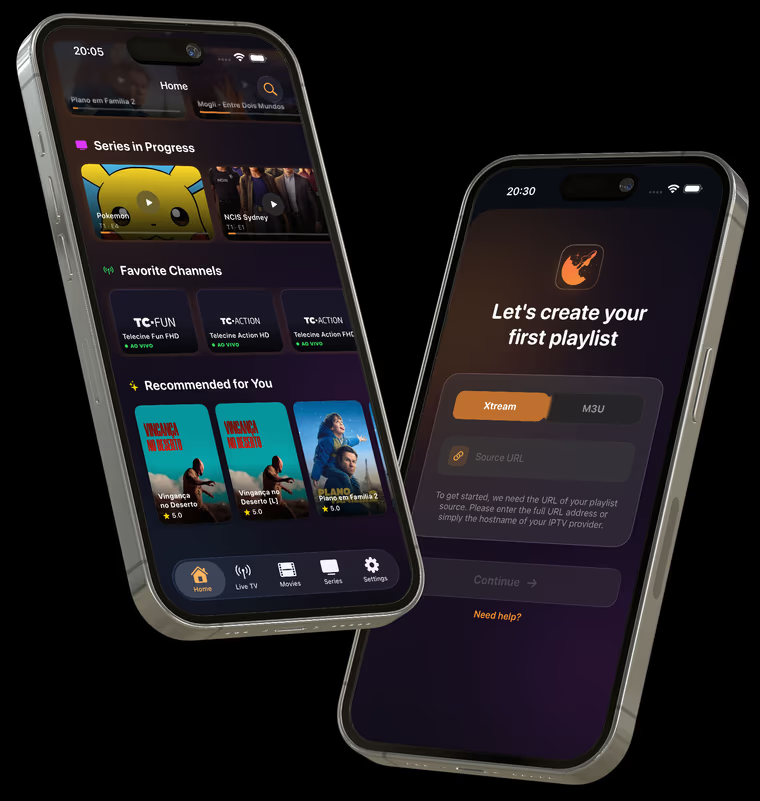
When setting up a new playlist, select Xtream and fill the matching fields with the details you received.
Review and load
Check capitalization, special characters, and extra spaces. Confirm the setup and wait for your library to load.
If login is rejected
Ask your provider whether the account is active, the server has changed, or the connection limit has been reached. An Orbizy subscription does not renew content access.
Before you start
- Do not enter your Orbizy password in the IPTV provider password field.
- When requesting support, share the error message and device model without exposing credentials.
Start with your own playlist
Download Orbizy from your device’s store. The download is free; a subscription is required after the trial. Channels are not included.