
Orbizy · Guides
How to add an M3U playlist in Orbizy
An M3U playlist tells the player where to find content supplied by your provider. Orbizy does not supply the playlist. Have the complete URL ready and confirm that access is active. Treat this address like a password when it contains account details.
How to set up
Get the correct URL
Ask your provider for the complete playlist address. A website homepage or payment page is not a playlist URL.
Select M3U
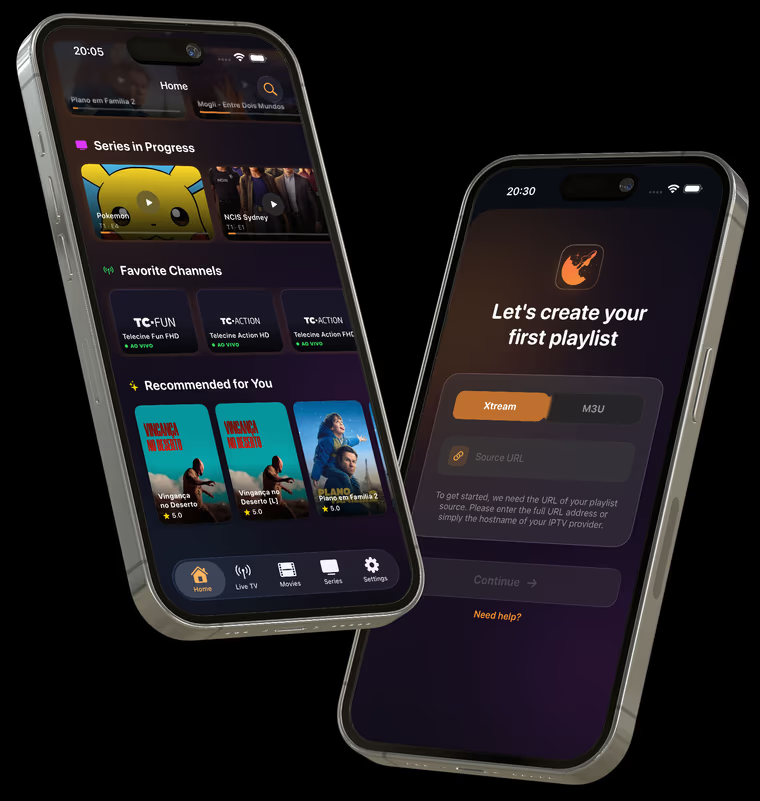
When setting up a new playlist in Orbizy, choose M3U and enter the URL in the source field. Copy it without removing parts or adding spaces.
Load your library
Confirm the setup and wait for the playlist to load. Check the expected categories and content before starting playback.
If the playlist does not open
Check the URL, connection, and access validity. If only some content is missing, confirm availability with your provider.
Before you start
- Do not publish playlist URLs in screenshots, comments, or public messages.
- Guide information, languages, and subtitles depend on your provider’s data and streams.
Start with your own playlist
Download Orbizy from your device’s store. The download is free; a subscription is required after the trial. Channels are not included.